

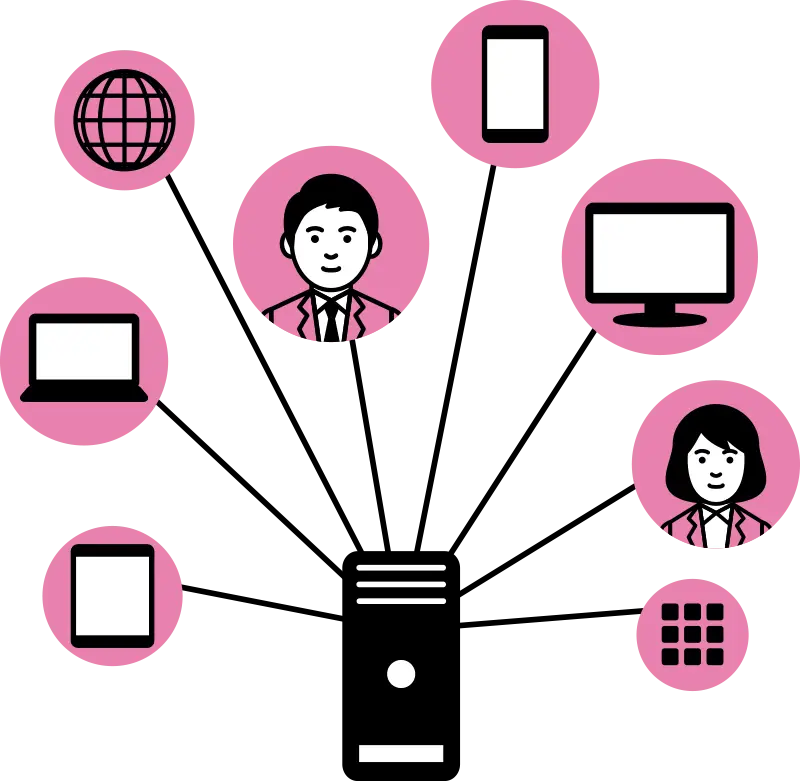
Mass communication tools help districts send urgent messages through multiple channels at the same time, including text messages (SMS), emails, and automated voice calls.
Many systems also allow districts to update their websites, mobile apps, or social media channels all from one dashboard. That unified reach is especially valuable during school lockdowns, inclement weather events, safety alerts, or other fast-moving situations where consistency and speed matter.
Common Tools Used by School Districts
School districts often choose one mass communication platform for all emergency communications. Districts we work with report positive experiences with tools such as:

Send messages to families and staff through text, email, voice calls, app notifications, and website posts.
- Crosspost alerts to a Smart Sites website.
- Two-way messaging is built in.

Send alerts via text, email, voice calls, and app notifications, and update Thrillshare website alerts and social media from a single dashboard. Apptegy Rooms allows for two-way messaging between families and educators.
- Crosspost alerts to a Thrillshare website.
- Add two-way messaging with Apptegy Rooms.

Send emergency alerts through text, email, and voice calls with cross-posting to social media and/or the web.
- Crosspost alerts to a Finalsite website.
- Add two-way communications with Finalsite Chat.

Send voice calls, text messages, emails, website alerts, and push notifications to staff and families.
- Crosspost alerts to a Presence website.
- Add two-way communications with SchoolMessenger Chat.
All of the platforms listed above include language translation features. Each platform offers slightly different features, but all provide tools to send urgent messages across multiple channels from a single dashboard.
Choosing an Emergency Messaging Tool
School communicators and district leaders may want to consider several factors when evaluating options:
- ZDoes the tool integrate with your current website? Social media?
- ZDoes the system integrate with your Student Information System (SIS)?
- ZAre your communications staff comfortable with the features?
- ZDoes the system deliver messages in the channels that your families prefer and can reliably access?
- ZDoes the platform include two-way communications? Is this important to your families?
Student Information System (SIS) Integration
SIS integration allows the tool to automatically create contact lists and securely update contact information from a centralized database. Your mass communication tool must integrate with your SIS so that family contact information automatically updates in a single centralized database. Before choosing a mass communication tool, ensure it integrates with the system that manages your student information.
Skyward Qmlativ is a common SIS. ParentSquare, Apptegy, Finalsite and SchoolMessenger all integrate with Skyward Qmlativ.
Reporting Features
Most platforms offer comparable reporting features, delivery status, message history, and timestamps, and they’re worth getting familiar with before you need them.
Reporting dashboards show delivery status, message history, and timestamps, confirming messages got through and to help troubleshoot any gaps. Even the best communication platform is only as strong as the contact information behind it. Districts should regularly review message delivery reports to ensure emergency messages reach the right people, and remind families to keep their SIS contact information up-to-date.
Preparing for Emergency Communications
Choosing the right tool is only half the equation. When a real crisis hits, the communications staff will want to know the tools and approach inside and out, and not have to learn it under pressure.
With the right tools, clear roles, and regular practice, school districts can communicate confidently, even during a crisis.